Record
Start before class and lock your phone. Penlit transcribes as it goes. You can also add photos of the board, slides, audio files or pasted text.
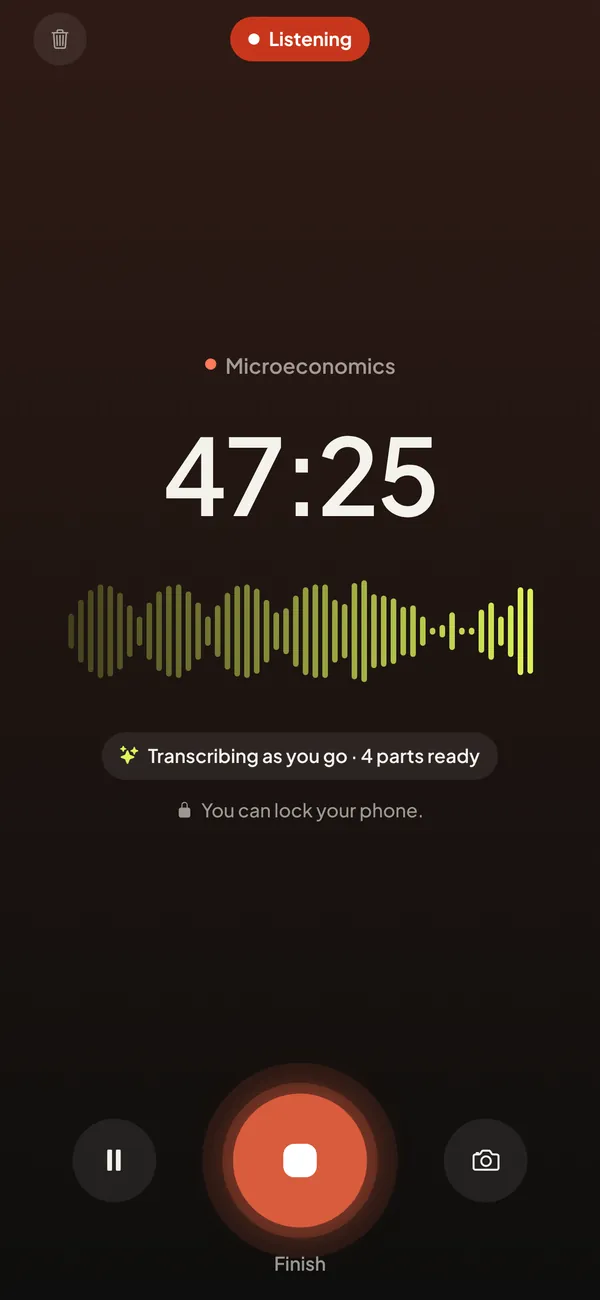
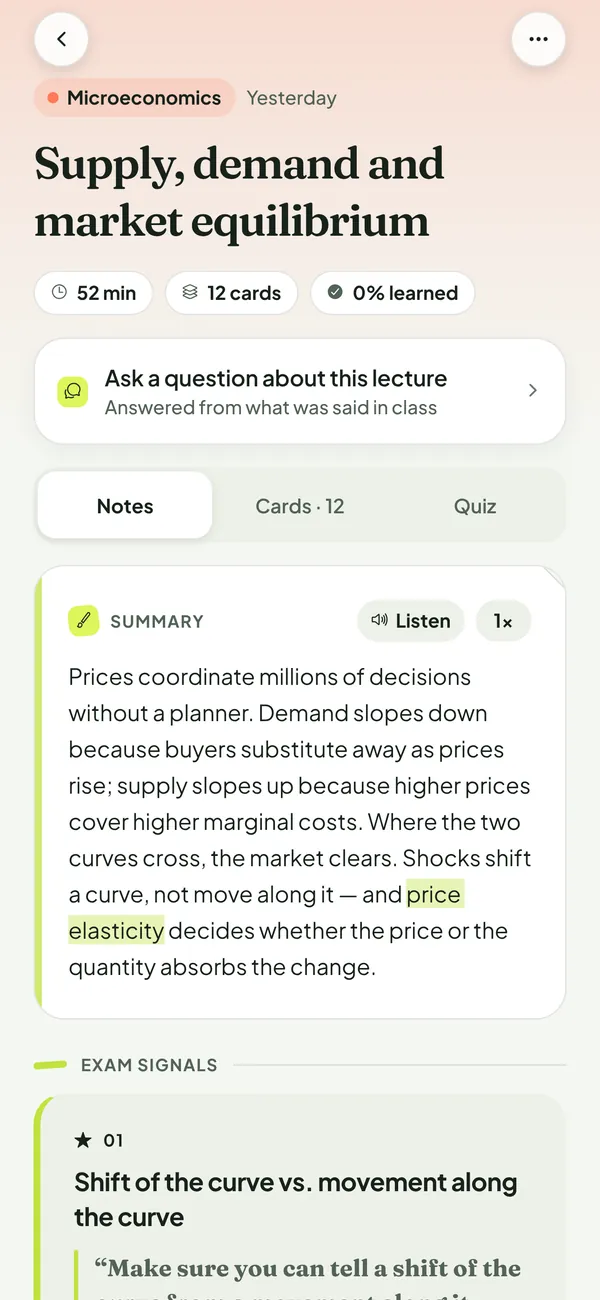
Record your class. Penlit writes clear notes, flashcards and a quiz — and marks the moments your professor says will be on the exam.
Start before class and lock your phone. Penlit transcribes as it goes. You can also add photos of the board, slides, audio files or pasted text.
A summary, key terms and the exam signals, each linked to the exact passage of the transcript.
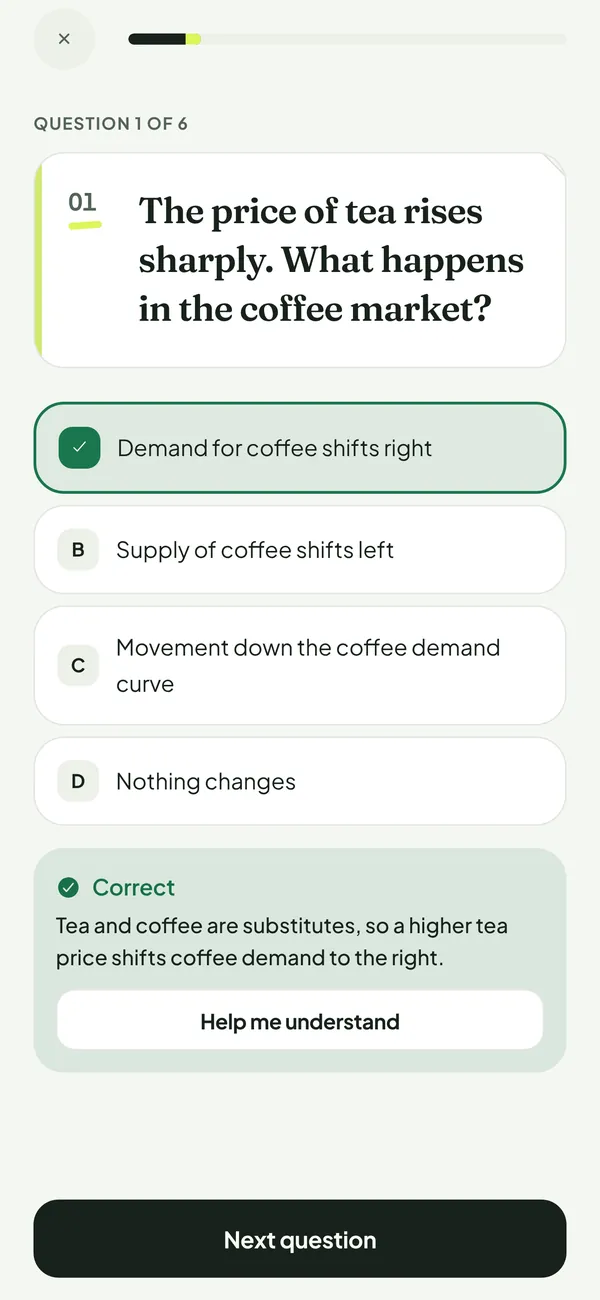
Flashcards come back just before you forget them, and quizzes explain every answer.
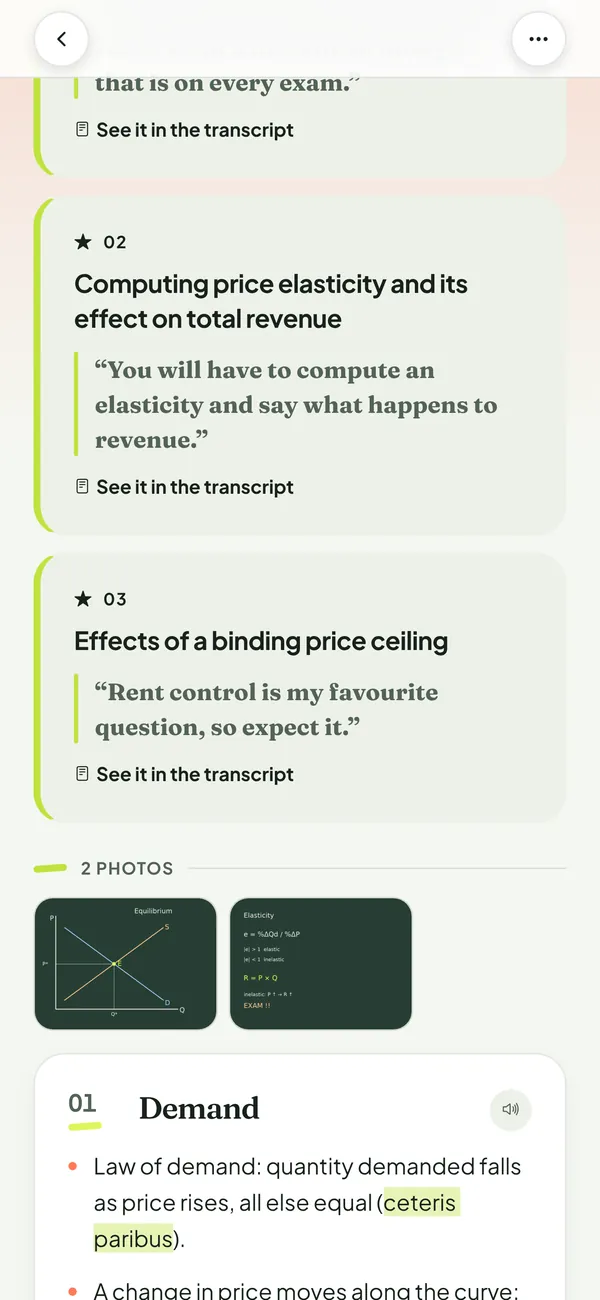
Professors say it out loud: “this will be on the exam”, “expect a question on this”. Penlit picks up these moments and puts them at the top of your notes, with the professor’s own words.
“Rent control is my favourite question, so expect it.”
Exam signal · quoted from the transcript, part 2Summary, sections, formulas and tables, written from what was actually said.
Spaced repetition shows each card again right before you would forget it.
Know why an answer is right, and ask for a simpler explanation when you are stuck.
Answers come only from that lecture, with a link to the part they come from.
Snap the board or a slide and it is added to the notes of that lecture.
English, French, Spanish, German, Italian, Portuguese, Arabic, Hindi, Japanese and Chinese.
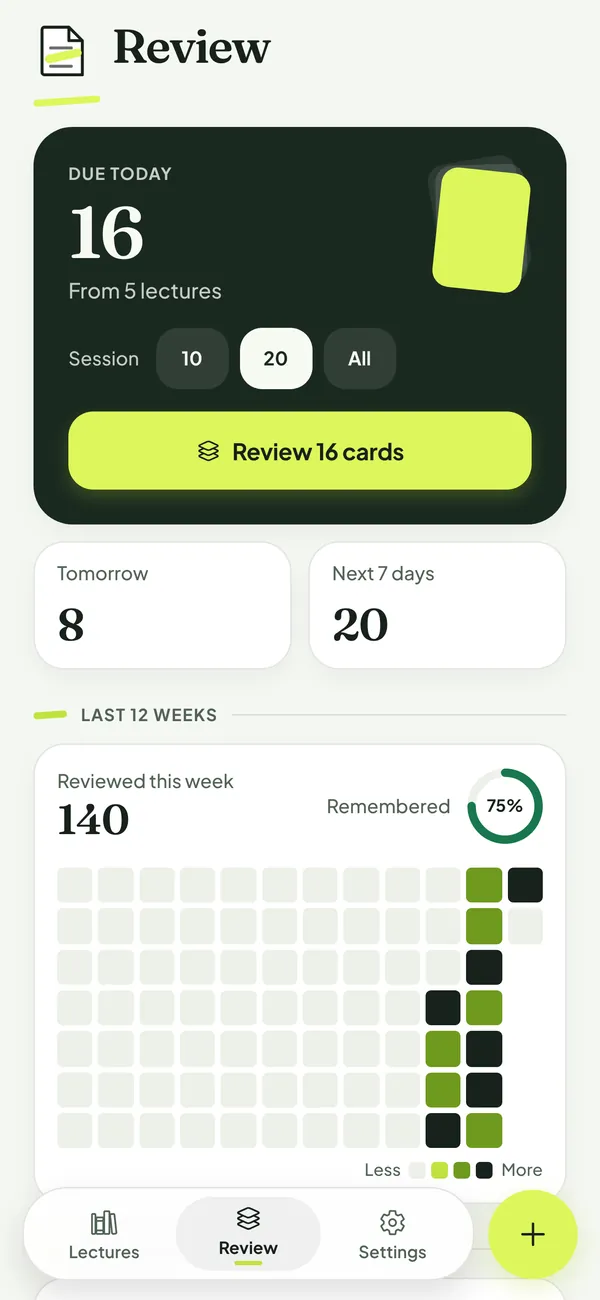
Penlit tells you how many cards are due today across all your lectures, so revising becomes a habit instead of a panic before the exam.
No email, name or password. No ads and no tracking.
Your notes and cards are stored on your phone, not on our servers.
Audio and photos are sent securely to OpenAI to write your notes and are never used to train AI models. Our server keeps the results about 24 hours.
For 12 months, plus Penlit Pro free while you post.
Ask your professor first and follow your school’s rules. Penlit asks you to confirm it before the first recording in each subject and can prepare the email for you. Your own voice or audio you have the right to use needs no permission.
Yes. Start recording, then lock your phone. A phone call pauses the recording and you can resume it.
They are written by AI from the recording, so they can contain mistakes. Every exam signal and every answer links to the passage it comes from, so you can check it in a tap.
Not yet. Penlit is available for iPhone.
Here is exactly what happens when a student records your class, so you can decide what you accept.